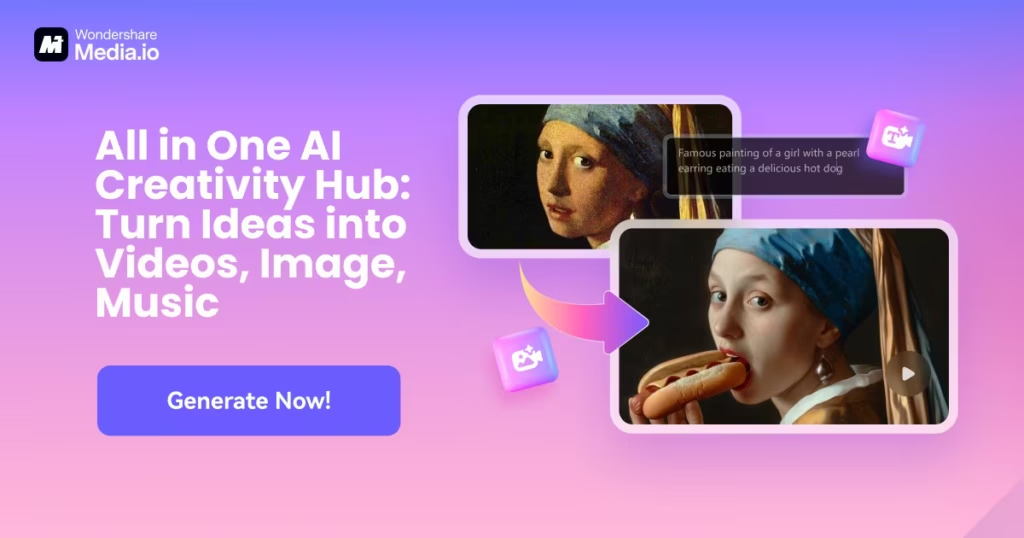
AI Video by Media.io is built for people who want fast video creation without stress. It works fully online and does not need downloads.
The tool focuses on AI powered video generation, editing, and enhancement.
It feels smooth from the first click. You add text, images, or clips, and the system helps shape everything into a clean video. This makes content creation feel less like work.
AI Video by Media.io comes from the Media.io platform, which is known for simple media tools.
The AI video feature is designed to reduce editing time. It focuses on ease, speed, and smart automation.
The goal is clear. Help users create engaging videos without complex steps. This works well for creators, marketers, and small teams.
The platform uses artificial intelligence to understand text, visuals, and audio. You start by adding a script or media. The AI then builds scenes, timing, and flow automatically.
You can adjust things anytime. Nothing feels locked. The layout stays clean and beginner friendly.
Text to video is one of the main features. You write a short script and the AI converts it into a video. Visuals and motion are added to match the message.
This is useful for explainers, promos, and short content. It saves hours of manual editing.
You can upload images and turn them into videos. The AI adds transitions, motion effects, and smooth pacing. Static visuals feel more alive after processing.
This works well for product images, slides, and social posts. No camera needed.
AI Video by Media.io also includes video editing features. You can trim clips, cut scenes, resize frames, and merge videos. Everything works inside the browser.
The editor keeps things simple. It focuses on core actions that most users need.
The tool can auto generate subtitles from speech. Captions can be edited and styled easily. This helps videos reach more viewers.
Audio tools are included too. You can clean noise, adjust volume, or add voiceovers with ease.
AI enhancement helps improve video clarity and quality. Old or low resolution clips look sharper after processing. Colors feel more balanced.
You can export videos in clean formats. Paid plans allow watermark free downloads and higher resolution.
The platform offers ready video templates. These help speed up creation and keep design consistent. Templates are useful for social media and marketing content.
You can still customize text, timing, and visuals. This keeps videos fresh and unique.
AI Video by Media.io offers a free plan for testing. The free version includes basic tools, limited storage, and watermarked videos. It works well for first time users.
Paid plans start around $6.99 per month when billed yearly.
These plans unlock watermark free exports, more storage, longer subtitle time, and advanced AI tools. Higher plans offer more usage limits and features.
AI Video by Media.io receives around 4.052M monthly visitors on its website. This shows strong global interest and steady usage.
The traffic reflects demand for AI video tools that are simple and fast.
Across all major platforms, Media.io has around 18,374 followers combined. The audience continues to grow steadily.
Social content focuses on tips, updates, and feature demos.
The tool is easy to use and beginner friendly. Video creation feels fast and smooth. AI features reduce manual work.
Everything runs online. No heavy software needed. This saves time and space.
The free plan has limits. Watermarks and lower export quality can feel restrictive.
Advanced editors may want deeper controls. The tool focuses more on speed than complexity.
AI Video by Media.io fits creators, marketers, and small teams. It works well for short videos, promos, and social content.
It is ideal for users who want results fast without learning complex editing skills.
AI Video by Media.io keeps video creation simple and modern. It removes technical stress and speeds up content production.
If you want AI powered videos with clean output and easy controls, this tool delivers a smooth experience.