












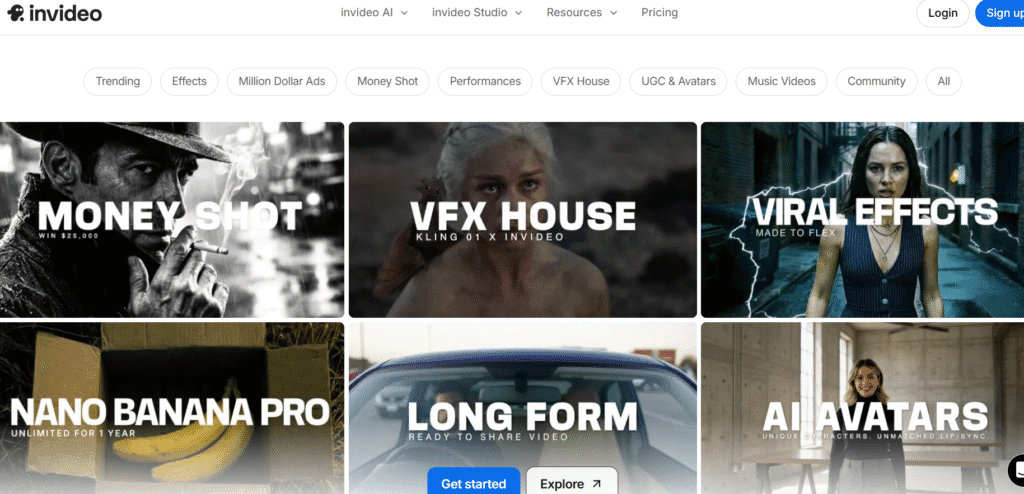
InVideo is a web-based video creator and editing platform. It gives you thousands of ready-made templates. It adds stock footage, music, and simple editing tools so you don’t need advanced skills.
It works for social clips, ads, promo vids, education videos or YouTube content. It makes video creation quick and simple for anyone.
It has options for text-to-video or editing existing footage. You can drop in your text or clips, pick a style, and let InVideo turn them into a video with transitions, music, and text overlay. That makes it helpful if you want to crank out videos fast.
You can build social media clips, short ads, promo videos, explainers, product demos, presentations or YouTube intros. The template library helps you fit many video types without starting from scratch.
You can add voiceovers, music, text overlays, captions, branding elements and adjust timing easily. This gives flexibility if you want videos for business, marketing, or personal projects.
You can also use it to make videos from simple scripts or articles. The AI-backed workflow helps automate video generation, editing and media assembly. That saves major time if you are creating many videos.
InVideo gets around 8.7 million monthly visits according to one source.
Some data shows about 7.6 million monthly visitors, with average session time of roughly 3 minutes 33 seconds and about 5.5 pages per visit.
Their traffic comes from all over direct visits, organic search, referrals. It seems many find InVideo via search engines or direct links.
On social side: their official YouTube channel shows about 284,000 subscribers.
Combining this with other platforms (assuming some have smaller presence), you could say their overall social reach is in the hundreds of thousands of followers across platforms.
InVideo offers a free or low-cost start for creators.
For heavier users or those needing premium features their paid plans give more assets, better export options, and full access to templates and media.
So you can test it before you commit, then scale up when you need bigger or more advanced videos.
Super easy to use even if you have no editing skills. Templates + drag-drop + stock assets make creation fast.
Lets you build many types of videos: ads, social clips, promos, explainers, product demos.
Offers AI-assisted video generation & editing saves time and effort if you make content regularly.
Good for beginners and small teams. You don’t need big budget or fancy gear.
Has solid traffic & user base meaning tool is popular, which often signals support, resources, and updates.
Free or basic plan might limit how many videos/assets you can use.
Heavy reliance on templates or stock assets might make many videos look similar if you don’t customize heavily.
Export or premium features likely locked behind paid plans for serious use.
For creators wanting full creative control (animations, advanced editing, custom shots), InVideo may feel limiting.
As with any template-based video maker uniqueness depends on how much you customize; results could look generic if you don’t tweak.
If you want quick, easy video content for social media, ads, promos, or simple presentations InVideo is a great fit.
If you don’t have editing skills but want polished output fast you’ll appreciate the templates, media library, and easy UI.
If you produce content regularly and need a tool that streamlines work without steep learning curve InVideo helps you stay productive.
InVideo opens up video creation to anyone. It removes big barriers like editing skills or expensive gear. It makes editing simple, fast, and flexible.
If you want to make videos for fun, business, social media or marketing InVideo gives you a solid, user friendly option. It’s easy enough for beginners, yet capable enough for small prosumers.
