












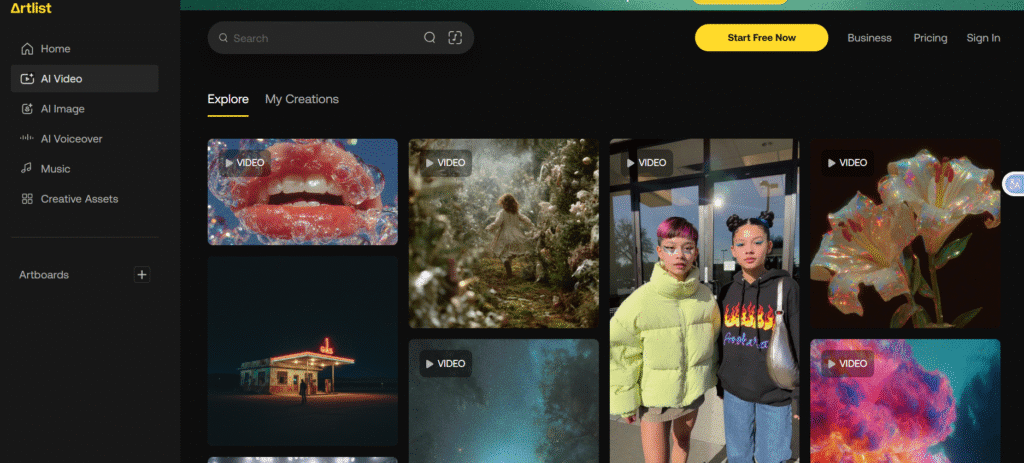
Veo 3.1 is the latest version of Google’s AI video generation engine. It helps you convert simple text descriptions or images into video clips with ease.
It brings major upgrades: better realism, audio generation, scene control and smoother output. This makes it way more powerful than earlier video-AI tools.
You don’t need to be a pro editor. Just prompt Veo 3.1 with what you want: a scene, characters, setting, maybe a mood. The AI does the rest. That simplicity is part of what makes Veo 3.1 attractive
Text to Video: Write a prompt like “sunset city street, neon lights, rainy, slow-motion walk” and get a video clip. Works for quick social vids, intros, promos, mood-scenes.
Image to Video or Reference-based Video: Upload images or reference visuals and ask Veo 3.1 to animate them, or keep consistent character/scene across shots. Good for storytelling or product/showcase clips.
Multi-scene / Multi-shot Video: Unlike short clips, Veo 3.1 supports chaining shots you can build a mini “story”, with transitions, camera moves, scene continuity. That helps for narrative videos, ads, or longer clips.
Native Audio & Sound Effects: It generates video with audio included ambient sound, dialogue or effects depending on prompt. That gives more life to clips and removes need for separate audio editing.
Professional-looking Output (1080p, cinematic quality): Output is 1080p, with realistic lighting, motion, better character consistency than older models. This makes the videos usable for serious content: social media, ads, marketing, creative projects.
Veo 3.1 access usually comes via subscription or credit-based plans depending on platform or API.
As example: some reports mention a “Pro” usage model and higher-tier “Ultra” subscription for heavy creators or enterprises.
If using it via API, cost may be per second of generated video/audio.
Veo 3.1 makes video creation accessible. You don’t need editing knowledge or expensive gear.
The ability to turn text or images into cinematic video + sound saves time and opens creativity.
Multi-shot and multi scene control allows more complex storytelling, not just random clips.
Output quality (1080p, smooth motion, decent realism) makes generated video usable for social, ads, promos, storytelling.
Native audio integration reduces need for extra sound editing good for quick social or content production.
Even with improvements, there are constraints: single generation video length tends to be short (common reported 4–8 seconds). To get longer videos, you may need to chain multiple clips that adds complexity.
For complicated scenes (many characters, complex movement, physics interactions) output can still be hit or miss. Sophisticated animation or film-level realism might be hard.
To get the most out of it (multi-scene sequences, high volume, consistent character/scene), you may need a paid plan or credits free/cheap tier may limit how much you can do.
Because it’s still AI-generated, sometimes audio, lip-sync or visual continuity may be imperfect across shots or when stitching segments. careful planning and prompt-crafting matter.
In 2025, demand for quick, affordable video content is exploding. Social media, short videos, product promos people want fast content that looks polished. Veo 3.1 taps that demand.
Because Veo 3.1 supports cinematic video, vertical & horizontal formats, sound, story mode, creators can skip long editing and still get pro grade clips.
That makes it a big deal for creators, small businesses, content makers, marketers or anyone wanting video without big budget or crew.
The combination of “AI video generator”, “text-to-video”, “image-to-video”, “multi-scene video”, “native audio”, “HD output” these are terms that help it stand out and also help SEO / discoverability.
Many write ups already use these terms a lot to reach audiences searching for AI video tools.
Veo 3.1 seems like a seriously powerful tool if you want to create video quickly, with decent quality, and without heavy editing or big budget.
It gives you flexibility: text-to-video, image-to-video, cinematic touches, audio, multi-scene options, and more.
It is not perfect for full-blown film, or very complex VFX, you still need traditional tools. But for many everyday creators, marketers, small teams, it’s a huge upgrade in convenience and power.
If you plan carefully, write good prompts, and maybe pay for some credits, Veo 3.1 can save time and deliver impressive results.
