


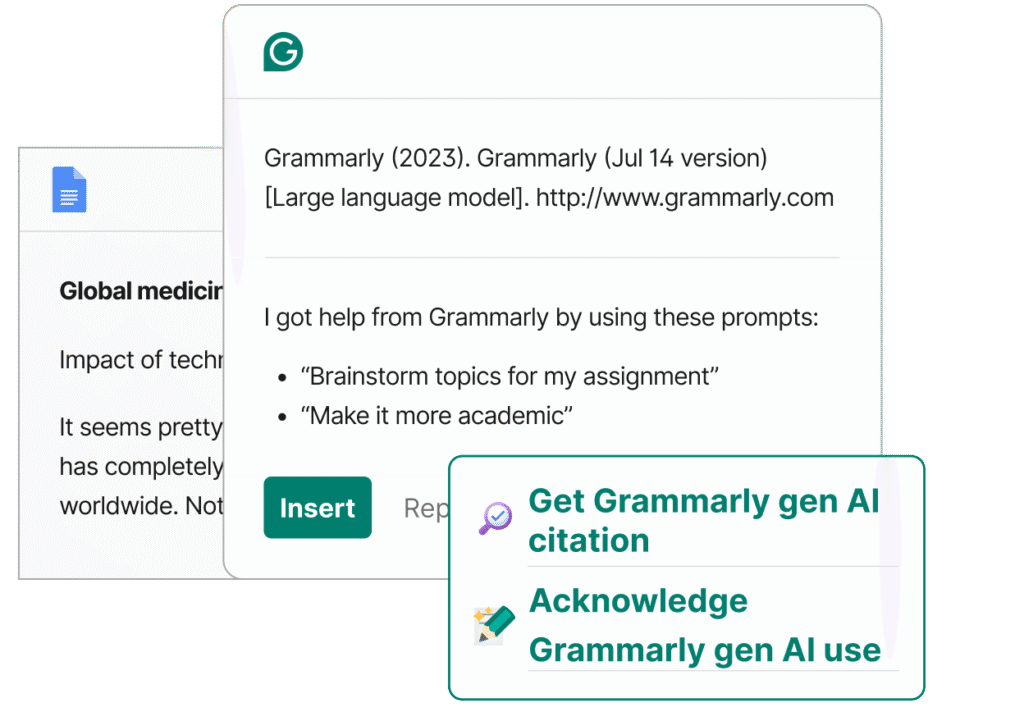
Grammarly AI Detector is a built-in feature of Grammarly’s writing suite. It scans your text and gives a score or indication whether it thinks it was made by AI tool or by a human.
It tries to pick up on patterns, phrasing, repetition, or unnatural structures. The goal is to help writers see if their content feels too “machine-made.”
Writers, educators, AI content creators, and students use it to check whether text leans too much into AI territory.
People want their writing to pass as human to avoid detection flags. Also, it helps tweak phrasing, tone, and authenticity.
It analyzes linguistic fingerprints word patterns, token probability, variation, stylistic regularity. It also flags overly formulaic or repetitive segments.
It’s not perfect some human writing may get flagged, some AI slips through. But it gives a useful signal, especially in bulk scans or drafts.
You paste or write into Grammarly, and it runs the AI detector. It gives you a score, often with a label like “likely human” or “some AI signs.” Then you can rewrite sentences, change structure, vary word use.
You can break longer text into paragraphs and rerun scans. It helps refine your writing until it passes the “feel test.”
You don’t pay separately for the detector it comes with certain Grammarly tiers. If you have Grammarly Premium or Business, you typically get access to advanced features, including this.
Grammarly Premium costs around $12 per month when billed yearly, or roughly $15 if monthly.
Business plans may run higher, e.g. $15–$25 per user monthly.
I couldn’t find a reliable current count of monthly visitors just for the AI detector feature, but Grammarly as a brand draws tens of millions of visits a month.
On social media (all platforms combined), Grammarly likely has several million followers (across Twitter, LinkedIn, Facebook, Instagram).
Grammarly AI Detector is a helpful tool if you want your content to feel more human and avoid detection flags. It’s not a silver bullet, but it’s a useful checkpoint in your writing process.
By adjusting your tone, phrasing, and structure, you can reduce robotic “signals” and make your text more natural.
