










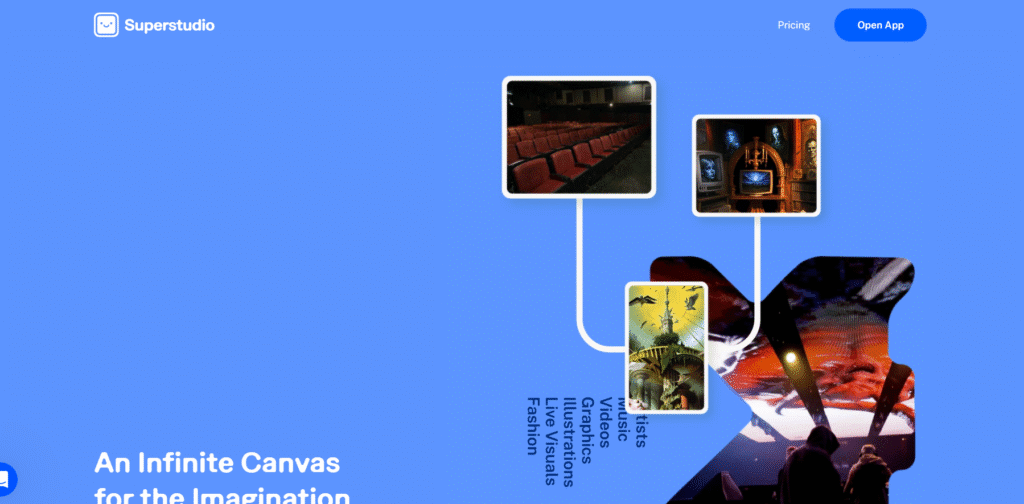
In this Kaiber Superstudio review, I walk through its features in a simple way. The goal is to help you see how it fits into real creator workflows without making things feel too heavy.
Kaiber Superstudio works by mixing generative video tech with style control, scene guidance and frame to frame stability. You drop in your idea, pick a direction and the system shapes movement around your concept.
Most people use it to build short clips, music visuals, product loops and social content. You can also guide it with uploaded images so it sticks to your core design. The process feels like steering a creative drone that listens to your vibe.
The tool also blends in prompt weight options so you can push stronger colors, textures or camera paths. You get video generation, style presets, advanced motion controls, batch creation and frame upscaling in one flow.
Kaiber Superstudio gives you scene generation that reacts to prompts without getting lost. You get smooth transitions, timeline based adjustments and multi style layers. You can nudge details like motion strength, character look, depth, camera drift and overall realism.
The tool can also help you keep consistency between frames so your clips avoid the glitchy wobble that many AI videos struggle with. That single detail alone makes it easier for creators to use it for brand videos or looping content.
Kaiber Superstudio offers paid plans with monthly credits. The price starts at about 10 USD per month with basic features.
There is also a mid tier plan around 25 USD per month with higher credit limits. Power users can get a higher plan that goes around 70 USD per month with more rendering time and premium options. The pricing stays simple which helps if you are watching your budge
Kaiber Superstudio feels easy to use and does not overwhelm beginners.
The motion tools are stable and help maintain structure in scenes.
The interface is clean and supports fast creative loops without friction.
The tool still depends on credits, so long videos can drain them fast.
Some styles can overreact to prompts which means you sometimes need extra tries to nail a look.
Kaiber Superstudio hits that sweet zone between quick creation and artistic control. It gives creators a solid playground for videos that feel expressive and polished.
If you want a tool that keeps things simple but still gives you strong visual output, this one fits that lane well.
