












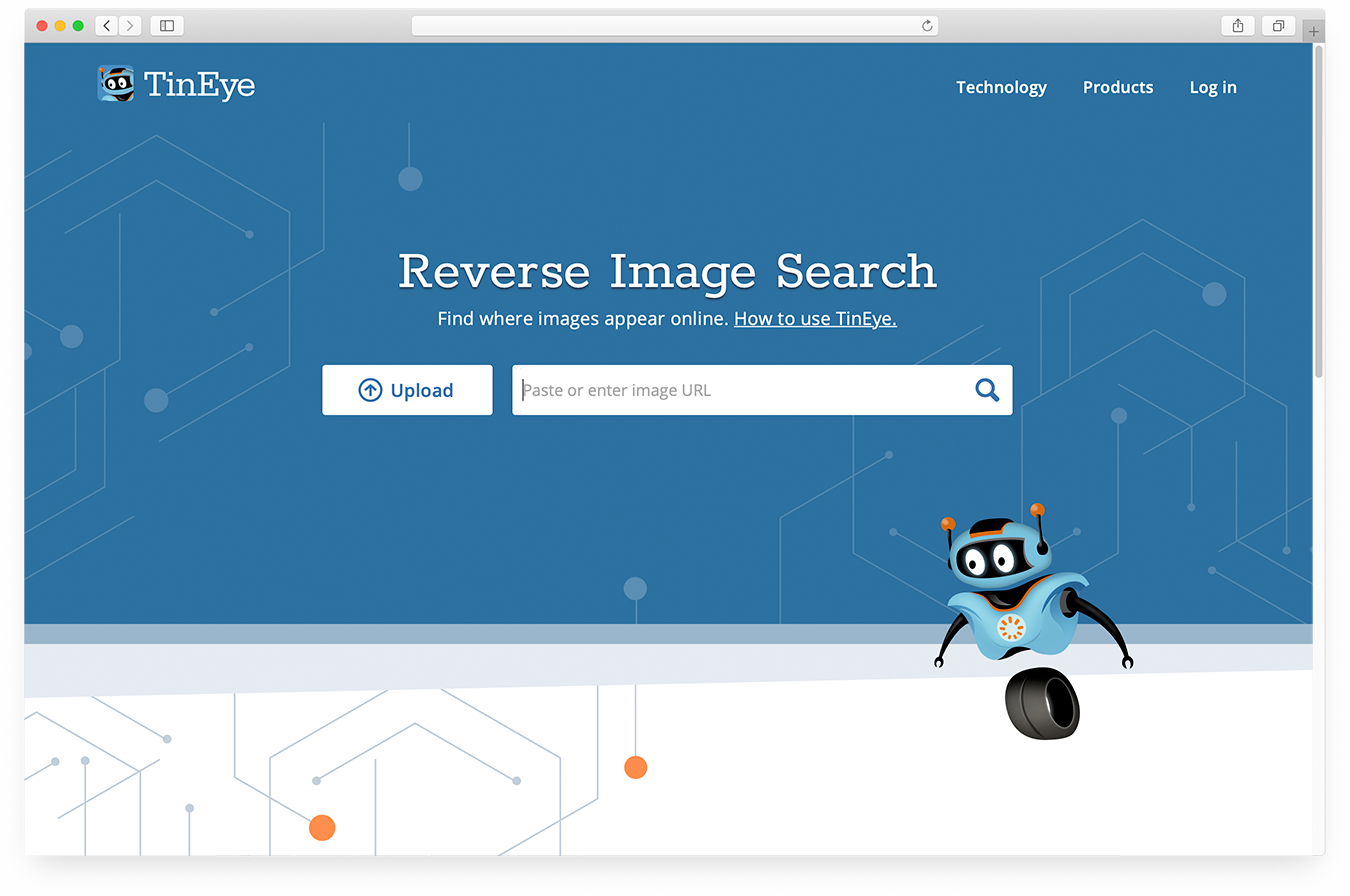
TinEye is an AI-powered image search and recognition platform designed to help users identify, track, and manage images across the internet.
Unlike basic search engines, TinEye focuses specifically on visual content, leveraging advanced image recognition algorithms to provide precise results.
It is widely used by digital marketers, content creators, photographers, and businesses who need accurate image verification and copyright tracking.
We tested TinEye across multiple real-world scenarios, including reverse image search, content verification, and online brand protection.
The tool consistently demonstrated high accuracy, fast response times, and an intuitive interface, making it a reliable solution for both professionals and casual users.
TinEye is designed for users who require intelligent image analysis rather than generic search results. During testing, it proved especially useful for:
The tool adapts well to various use cases, from simple image identification to complex image tracking across multiple platforms.
TinEye uses sophisticated AI algorithms to match images even when they have been resized, cropped, or altered.
In our tests, it consistently detected altered images with high precision.
One of TinEye’s strongest capabilities is its reverse image search.
By uploading an image or pasting its URL, the platform quickly identifies sources, online usage, and similar images, making it indispensable for copyright verification and research.
TinEye allows users to monitor their images online by setting up alerts. This feature ensures that any new appearance of a tracked image is promptly reported.
Our testing showed the alerts to be timely and accurate.
TinEye provides browser extensions and APIs, enabling seamless integration into professional workflows.
Whether for journalists, agencies, or developers, the integration options improve productivity and save time.
The interface is clean and intuitive. Image searches are processed rapidly, even for high-resolution files, making the tool suitable for daily professional use.
During hands-on testing, TinEye proved highly reliable. It identified images across multiple websites, even when modifications were applied.
The reverse search results were organized clearly, showing exact matches, modified versions, and visually similar images.
For professional use, the tracking alerts provided practical oversight of image usage without overwhelming notifications.
TinEye was particularly effective in detecting reused or misattributed images.
It proved faster and more precise than generic image search engines for verification tasks, and the API allowed automated integration into content management workflows for large-scale monitoring.
Compared to other popular image recognition and reverse search tools, TinEye focuses specifically on accuracy and image tracking rather than broader search functionality.
While some competitors may provide more general search results, TinEye excels in visual verification, copyright protection, and high-precision matching.
Our real-world tests showed that TinEye outperformed alternatives in identifying altered images and providing timely usage alerts.
| Feature | TinEye | Google Images | Berify | Yandex Images |
|---|---|---|---|---|
| Image Recognition Accuracy | Very high, detects altered images accurately | Good for common images | High, covers multiple sources | High for diverse content |
| Reverse Image Search | Extensive and precise | Basic and limited | Comprehensive search engine coverage | Good with visually similar results |
| Usage Tracking | Supports alerts and monitoring | Not available | Supports alerts for tracked images | Limited to manual searches |
| Ease of Use | User-friendly and intuitive | Very easy | Moderate | Easy |
| Best Use Case | Copyright protection and brand monitoring | Quick image lookup and research | Professional image monitoring | Finding visually similar images |
Experts recommend TinEye for professionals who prioritize accuracy, reliability, and image tracking capabilities.
It is ideal for photographers, content managers, and digital marketing professionals who need to verify originality, prevent unauthorized use, and maintain visual brand integrity.
For anyone working extensively with online images, TinEye is a dependable and efficient AI-powered solution.
