












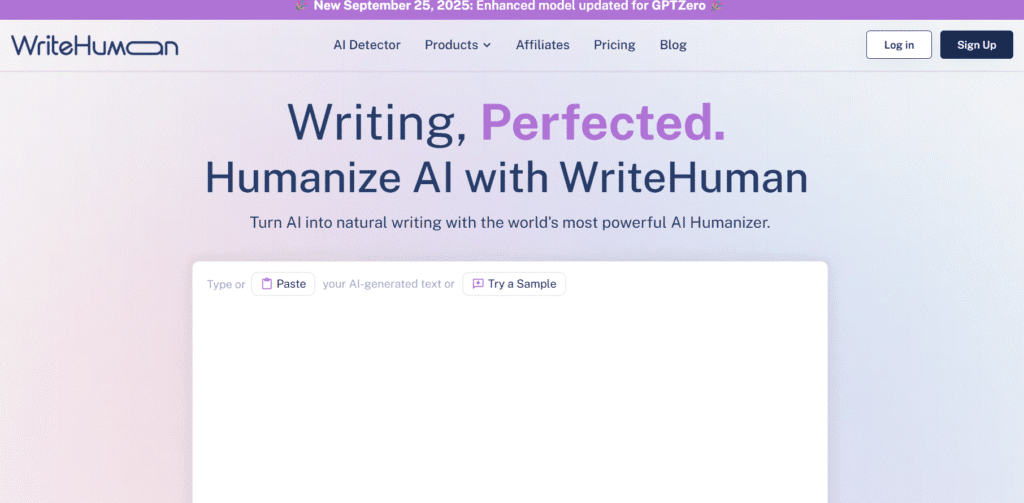
WriteHuman is built to convert robotic AI output into smooth, natural prose.
It works to bypass detectors like GPTZero, Turnitin, Winston, Copyleaks.
Their claim: make text “sound human” while keeping meaning.
Over 5 million users and 55 million rewrites processed are cited on their site.
You paste or upload AI-generated text.
You pick a mode or “humanize” option.
WriteHuman rewrites the text, adjusting tone, structure, word choice.
You can then run the built in AI detector to check how “human” the result looks.
it supports working with content from ChatGPT, Claude, Gemini, et
AI humanizer / rewriter: smooths out robotic patterns, unnatural phrasing.
Built-in AI detector: you can test if the output still looks machine made.
Detector bypass focus: claims it can pass detectors like Originality, GPTZero, Copyleaks.
Multiple modes / custom settings: more or less aggressive rewriting.
Freemium / free access: you can try some rewrites without paying.
WriteHuman offers a free usage tier / trial.
For more rewrites or premium features, you’ll need to upgrade (paid plans).
They don’t clearly show a full public price table in the sources I saw, but many users refer to “free
humanizations” (3 or so) included in signup.
Transforms AI text into more natural, human-style phrasing
Built-in detector helps validate your output
Easy to use: paste, hit a button
Freemium entry lowers barrier to try
A focus on bypassing major AI detectors
Free tier is limited in number of rewrites
Might over-rewrite or lose nuance in some technical content
If detectors evolve, output may get flagged
Pricing details are not fully transparent publicly
Use the “enhanced” mode when you want deeper rephrasing.
After humanizing, skim and adjust parts for voice consistency.
Check output with the built in detector if flagged, rework that passage.
Mix in your own slang, idioms, local expressions so the text feels more you.
Don’t rely on it blindly; always proofread for facts, tone, flow.
