












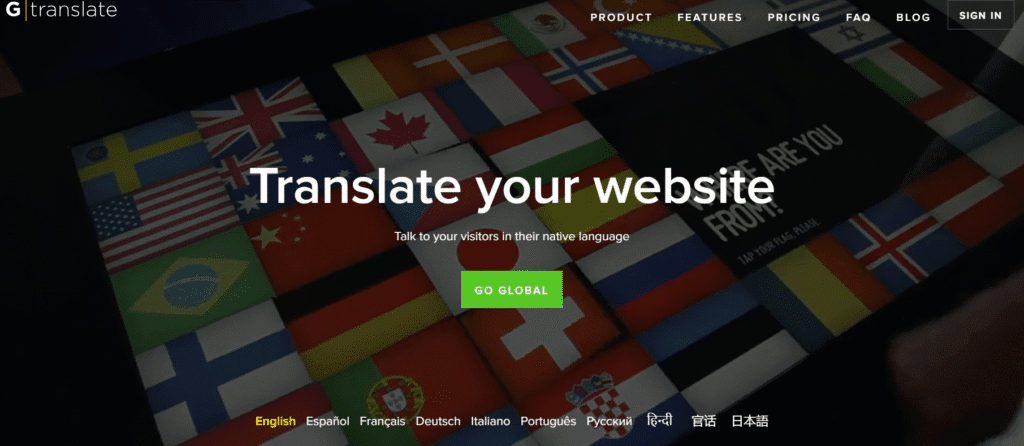
Many websites need to speak many languages. GTranslate fills that by auto translating pages. It handles translation, language switching, and SEO tags.
It gives non English users a seamless browsing experience.
GTranslate auto translates your website content using Google Translate engine first. It injects language switcher widget so visitors toggle languages.
It can generate translated URLs (subdirectories or subdomains) and add hreflang tags. It keeps translated SEO metadata (title, description) intact.
It lets you edit or fine tune AI translations manually after auto translation.
GTranslate offers a free version basic translation with Google Translate engine. Paid tiers vary by features (ability to edit, SEO options, subfolder mode).
A Pro plan might cost ~$15 per month (just an example, check official site). Higher plans with full SEO, subfolder mode, machine + human edits cost more.
You pay more if you want full control, custom translations, or enterprise uses.
GTranslate is used by thousands of websites worldwide. Built with lists over 8,700 current sites using GTranslate.
Fast setup; add widget and done.
Auto translation handling for many languages.
SEO support (hreflang, translated metadata).
Manual edit option to fix odd phrases.
Free version for small sites.
Quality of auto translation is not always perfect.
Free plan lacks SEO or editing controls.
Big sites or many languages may get pricey.
Sometimes AI smart translated URL structure or indexing gets tricky.
Manual fixes may be time consuming for large sites.
Always review auto translated text fix weird words or grammar. Use consistent terminology across your site to help translation memory.
Choose subdirectory mode so search engines treat language pages as part of main site. Use your own translation overrides for key pages like homepage or product pages.
Check how translated pages rank, adjust keywords in local languages.
